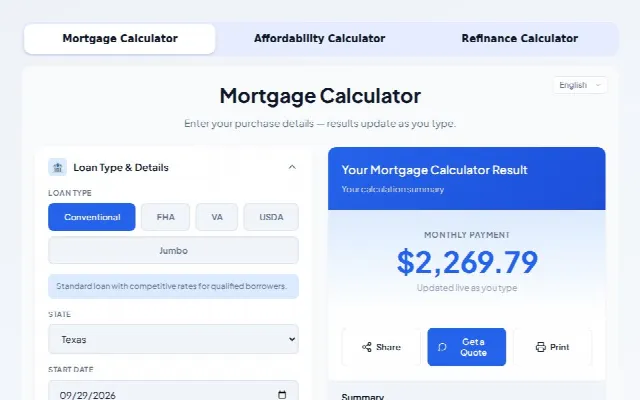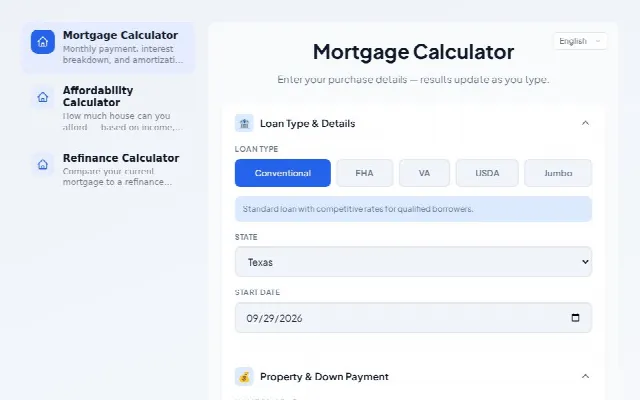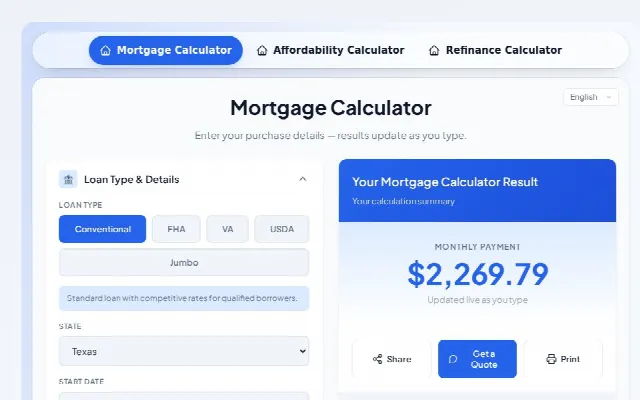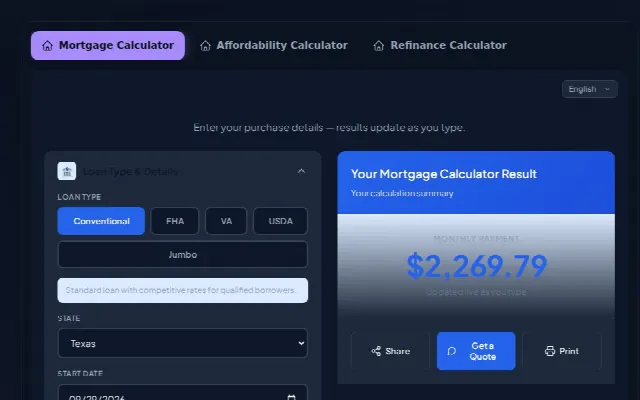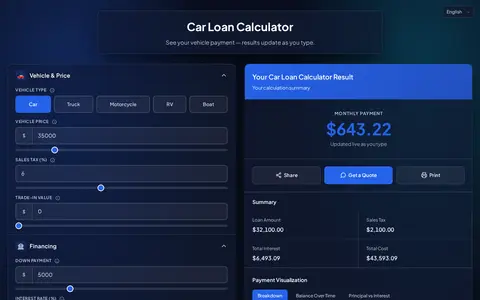
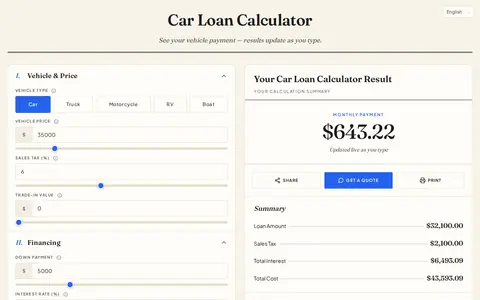
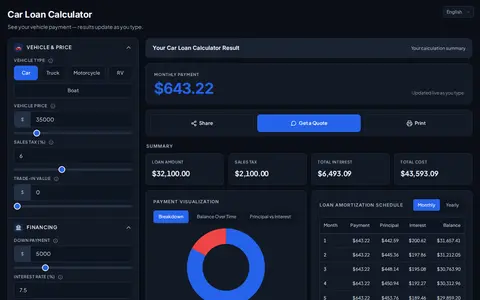
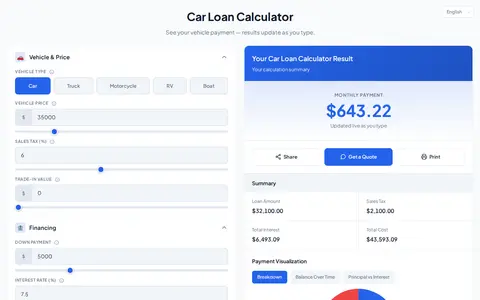
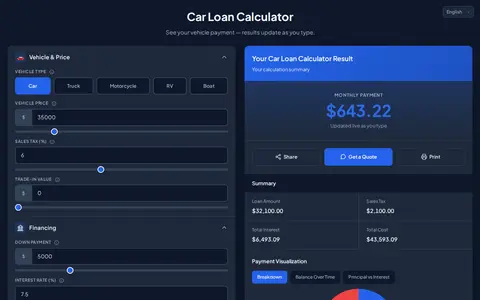
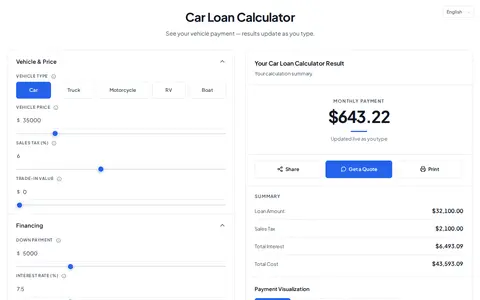
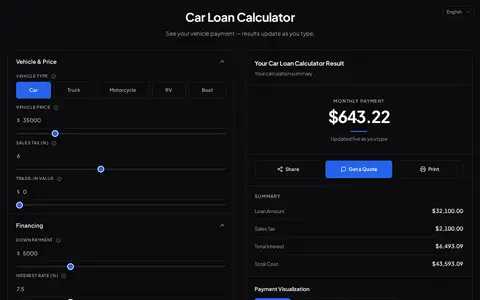
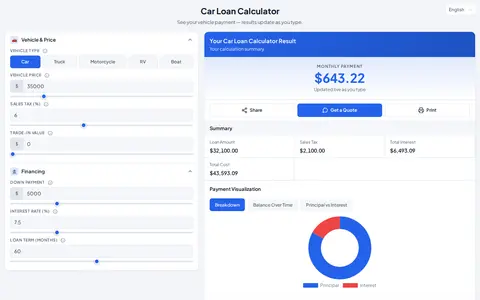
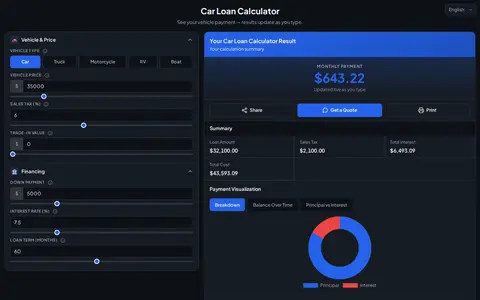
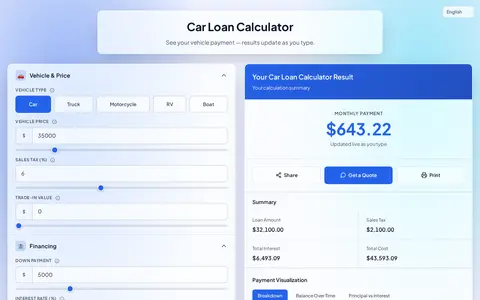
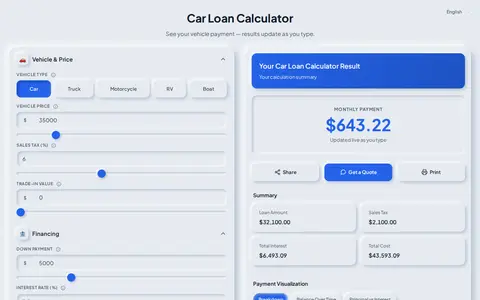
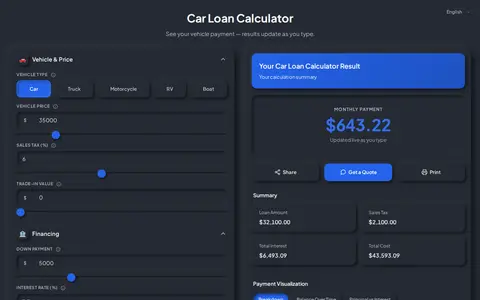
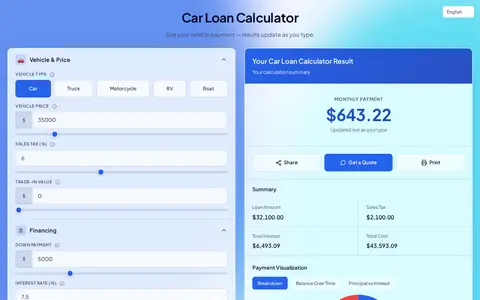
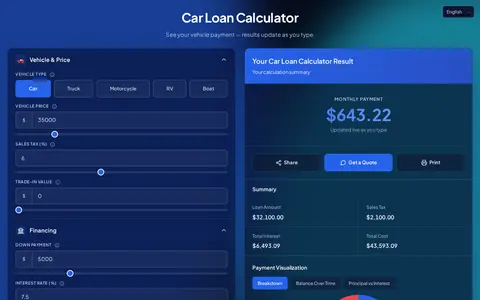
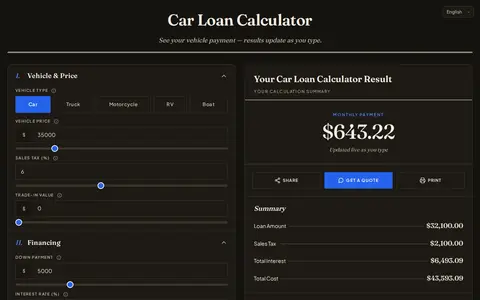
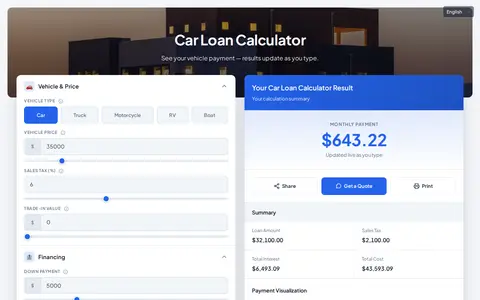
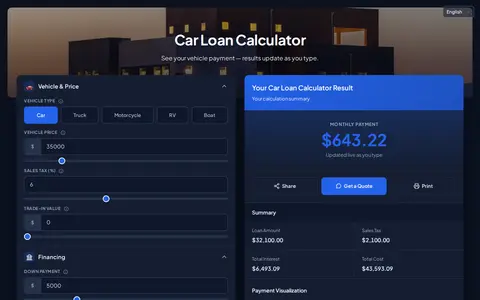
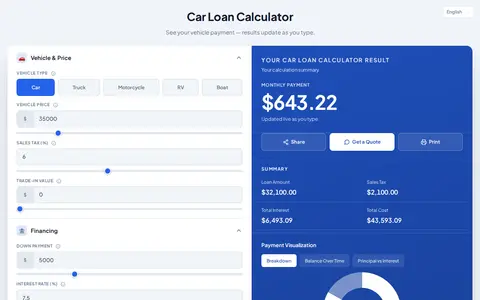
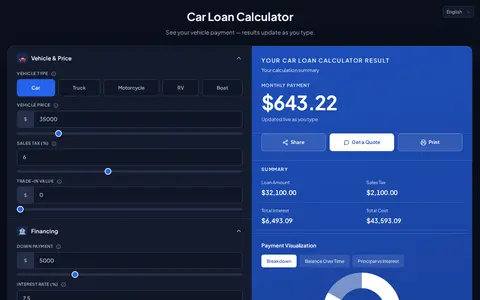
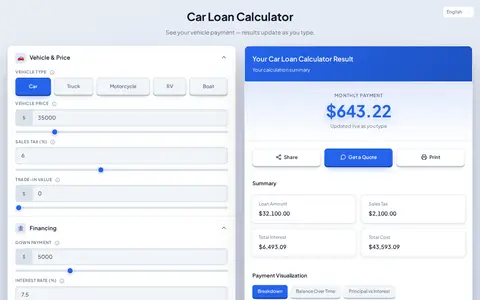
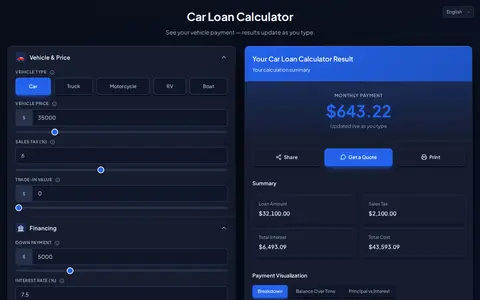
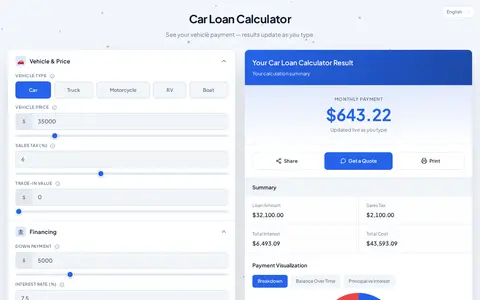
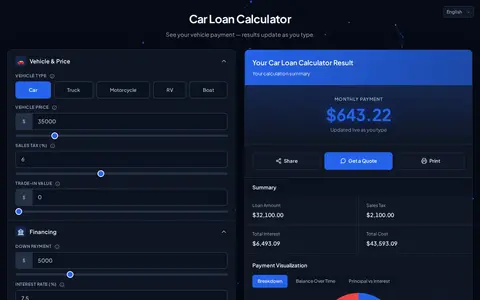
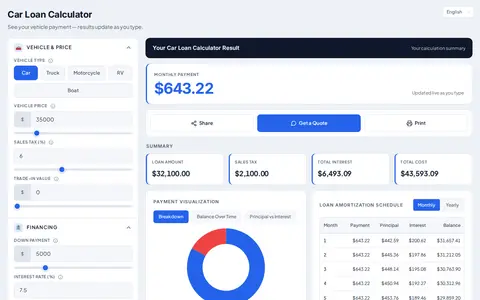
Calculator themes

12 calculator themes, light and dark

From a quiet ledger to frosted glass, 3D depth and a live particle field. Every theme works with every calculator, takes your brand colors and switches between light and dark.

  • 3on every plan
  • 6Pro themes
  • 3Business themes
  • 20color palettes
  • 18fonts

Live demo

Switch themes on a live calculator

Pick a theme, flip between light and dark, try another calculator or a brand color. This is the real calculator your visitors would use, not a screenshot.

Theme
Mode
Brand color

Ledger · Free on every plan · The classic CalcFunnel card: gradient results header, clean panels.

Loads from app.calcfunnel.com when you scroll here.

Estimates only — not a loan offer. Want another calculator? Every one of the 188 has its own page with the same theme switcher — browse the library.

Customization

Start from a theme, make it yours

A theme decides structure, surfaces and effects. Your brand decides the rest, in a point-and-click customizer with a live preview.

Colors

20 ready palettes, or your own brand colors. Text and button colors are contrast-checked against whatever you choose, in light and dark.

  • Ocean Blue
  • Teal Trust
  • Emerald
  • Forest
  • Navy Classic
  • Indigo
  • Violet
  • Plum
  • Rose
  • Crimson
  • Sunset
  • Amber
  • Gold Standard
  • Sky
  • Lagoon
  • Slate Pro
  • Monochrome
  • Midnight
  • Noir & Gold
  • Graphite Mint

Fonts

18 fonts, including Inter, Plus Jakarta Sans, Poppins and serif options such as Lora and Playfair Display. Plus corner radius and maximum width.

Inter · Plus Jakarta Sans · Poppins · Montserrat · Roboto · Open Sans · Lato · Nunito · DM Sans · Manrope · Outfit · Work Sans · Raleway · Source Sans 3 · Figtree · Merriweather · Lora · Playfair Display

Per-theme options

Each theme has its own settings: the glass frost, the particle style and density, the 3D tilt, the photo behind the hero. See the table below.

How the customizer works
What you can adjust in each theme
ThemePlanOptions
LedgerEvery planResults header (Gradient, Solid, Plain)Card shadow (None, Soft, Lifted)
MinimalEvery planResult alignment (Centered, Left)Field style (Underline, Outline)
CompactEvery planLayout (Inputs beside results, Stacked)Summary columns (2, 3)
GlassProBackdrop (Color mesh, Photo, Aurora)PhotoFrostPanel opacity
Soft UIProDepthControls (Rounded, Pill)
AuroraProMotion (Still, Slow, Lively)GlowSecond color
EditorialProTypography (Serif headings, All serif)Rules (Single, Double)
Image HeroProPhotoPhoto darkeningHeader height
SpotlightProSpotlight (Solid color, Gradient, Photo)Photo
Depth 3DBusinessTiltDepth
ParticlesBusinessStyle (Network, Drifting dots, Bubbles, Stars)DensitySpeedReact to the pointer
DashboardBusinessTile columns (Auto, 2, 3)Accent bar on tilesHeader (Dark bar, Brand color)

On your site

Five ways to put it on your website

The theme travels with the calculator whichever way you embed it. One line of code on WordPress, Wix, Squarespace, Webflow, Shopify, GoHighLevel or plain HTML.

  • Inline, without an iframe

    Paste the snippet where the calculator should appear. It renders into your page, fills the width of its container and grows to fit.

    Best for: Landing pages, blog posts, calculator pages

  • Popup button

    A button sits on your page; one click opens the calculator in a popup over it.

    Best for: Pricing sections, hero areas, listings

  • Floating corner widget

    Paste once (or in your site-wide footer code) for a floating bubble in the corner of every page.

    Best for: Site-wide, always one click away

  • Your own link or button

    Give any existing link, button or image a class and it opens the calculator when clicked.

    Best for: Menus, images, in-text links

  • Direct link

    A full-page link to the calculator for emails, social posts, QR codes or a menu item.

    Best for: Email, social, print, QR codes

Widgets

Or group calculators in one widget

Put up to 12 calculators in a single widget: a floating launcher, tabs, a row of buttons or a card grid. 4 types, 24 ready-made designs, every value editable. Widgets per plan: Free 1, Pro 10, Business unlimited.

Floating launcher

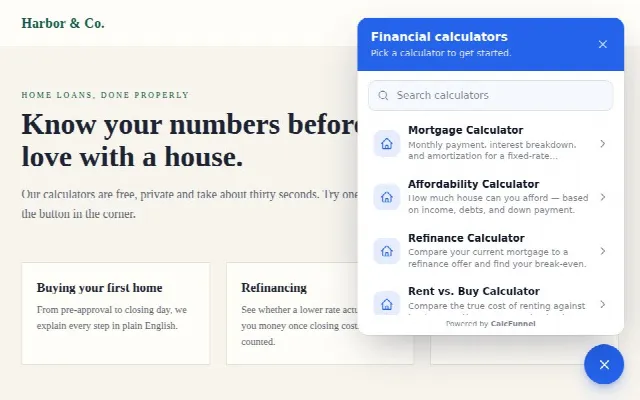
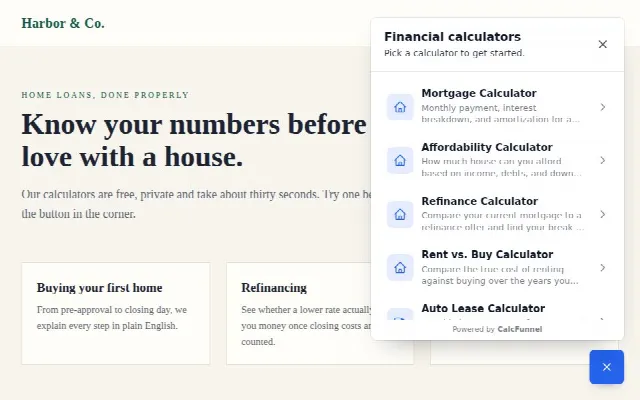
A bubble in the corner of every page opens a menu of your calculators.

  • Floating launcher widget, Classic bubble design: Round launcher with a soft pulse and a clean list.
    Classic bubbleRound launcher with a soft pulse and a clean list.
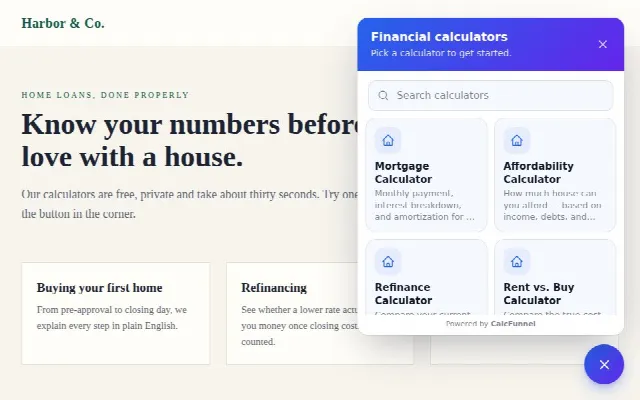
  • Floating launcher widget, Pill with label design: A labelled pill and a greeting bubble; grid menu.
    Pill with labelA labelled pill and a greeting bubble; grid menu.
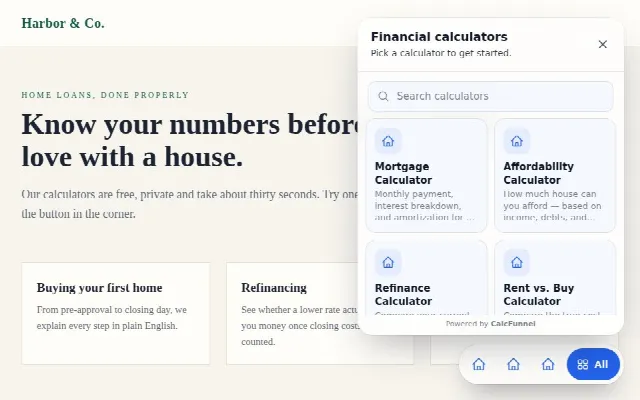
  • Floating launcher widget, Glass dock design: Frosted dock with shortcuts to your top calculators.
    Glass dockFrosted dock with shortcuts to your top calculators.
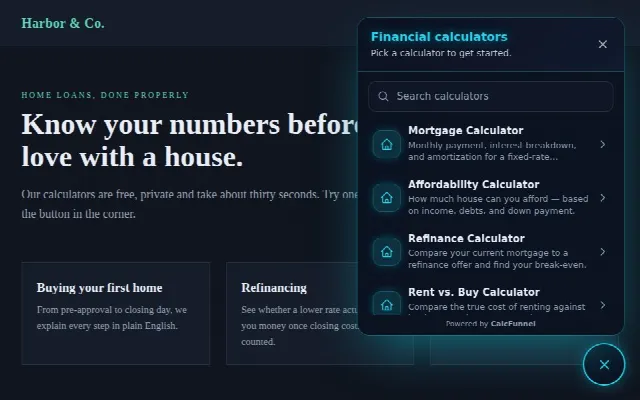
  • Floating launcher widget, Neon night design: Dark panel, glowing accent. Built for dark sites.
    Neon nightDark panel, glowing accent. Built for dark sites.
  • Floating launcher widget, Minimal square design: Quiet square launcher, hairline borders, no search.
    Minimal squareQuiet square launcher, hairline borders, no search.
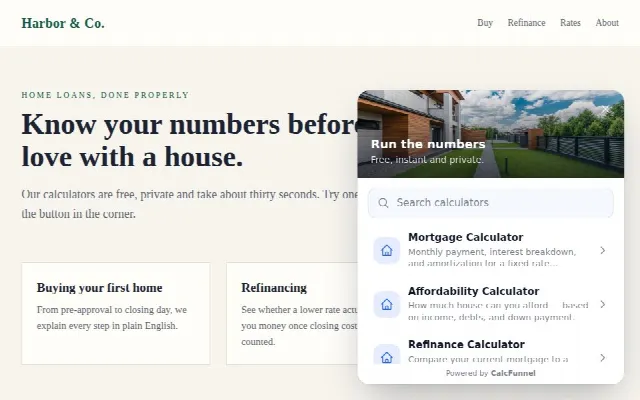
  • Floating launcher widget, Photo card design: A friendly face and a question; header photo in the panel.
    Photo cardA friendly face and a question; header photo in the panel.

Tabs

Calculators side by side in one block on the page, switched with tabs.

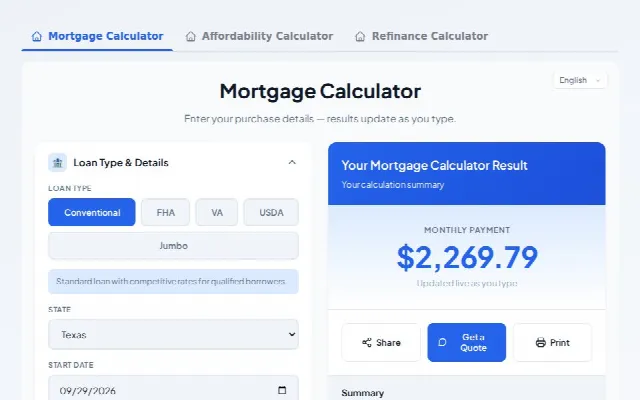
  • Tabs widget, Underline design: Text tabs with an animated underline.
    UnderlineText tabs with an animated underline.
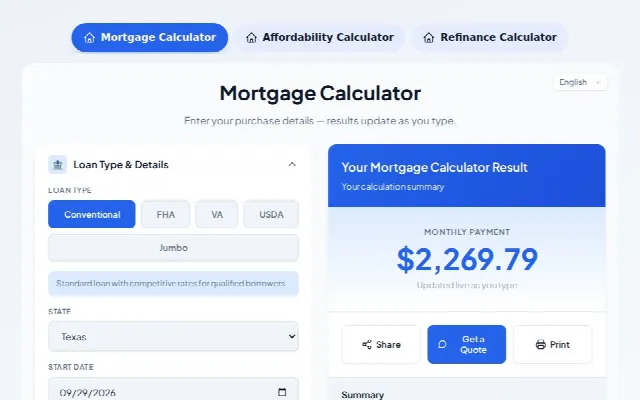
  • Tabs widget, Pills design: Rounded pills; the active one fills with your color.
    PillsRounded pills; the active one fills with your color.
  • Tabs widget, Segmented design: An iOS-style segmented control that stretches.
    SegmentedAn iOS-style segmented control that stretches.
  • Tabs widget, Sidebar design: A vertical menu with icons and blurbs beside the calculator.
    SidebarA vertical menu with icons and blurbs beside the calculator.
  • Tabs widget, Glass design: Frosted tab bar over a soft gradient.
    GlassFrosted tab bar over a soft gradient.
  • Tabs widget, Dark design: Dark container, bright active tab.
    DarkDark container, bright active tab.

Buttons

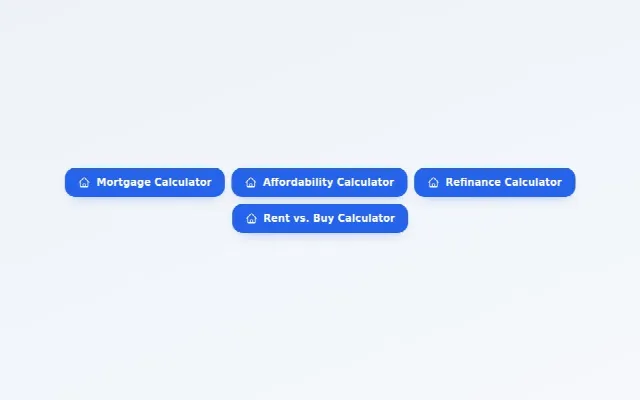
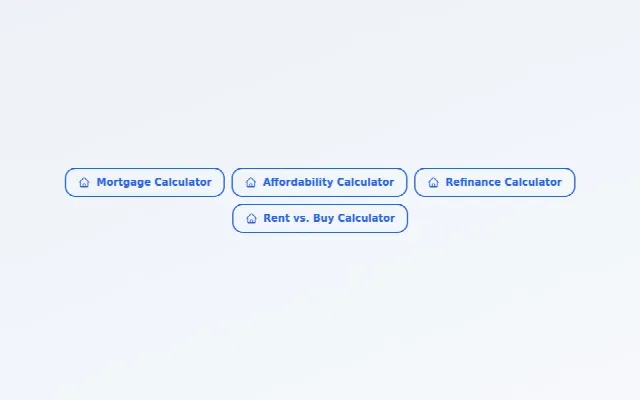
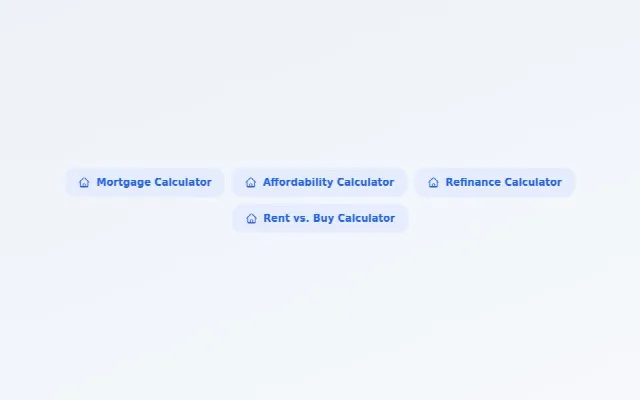
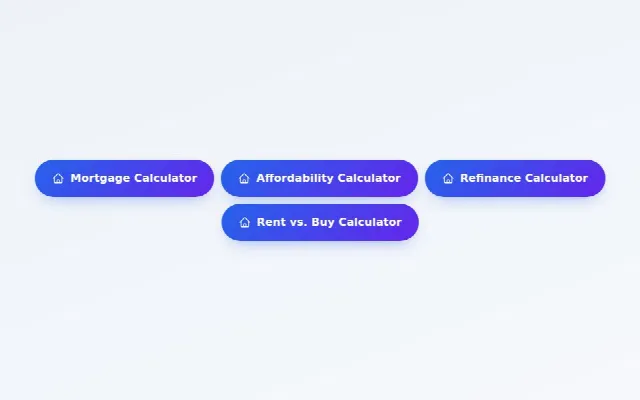
A row of buttons; each one opens its calculator in a popup.

  • Buttons widget, Solid design: Filled buttons in your brand color.
    SolidFilled buttons in your brand color.
  • Buttons widget, Outline design: Bordered buttons that fill on hover.
    OutlineBordered buttons that fill on hover.
  • Buttons widget, Soft tint design: Tinted buttons, gentle and friendly.
    Soft tintTinted buttons, gentle and friendly.
  • Buttons widget, Gradient pills design: Rounded gradient pills with a lift on hover.
    Gradient pillsRounded gradient pills with a lift on hover.
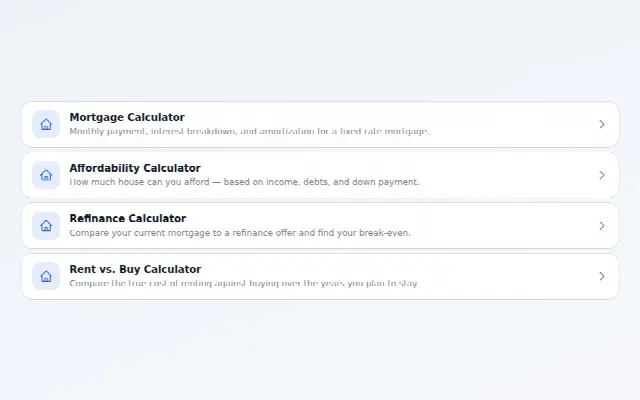
  • Buttons widget, Stacked list design: Full-width rows with icon, blurb and arrow.
    Stacked listFull-width rows with icon, blurb and arrow.
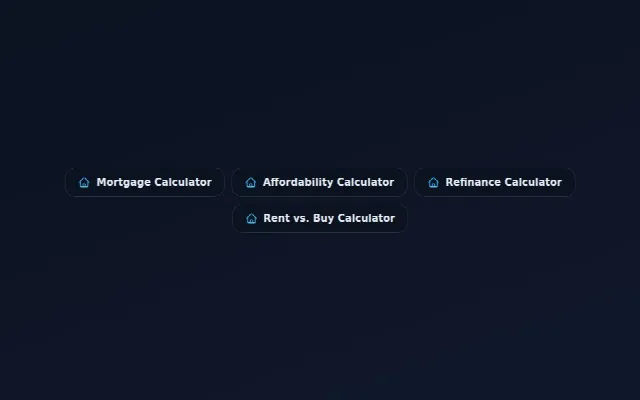
  • Buttons widget, Midnight design: Dark buttons with a glowing edge.
    MidnightDark buttons with a glowing edge.

Cards grid

A grid of cards with an icon and a short blurb; click to open the calculator.

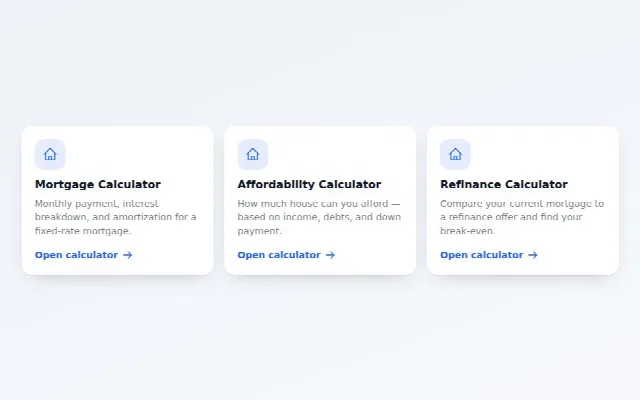
  • Cards grid widget, Elevated design: White cards with a soft shadow and lift.
    ElevatedWhite cards with a soft shadow and lift.
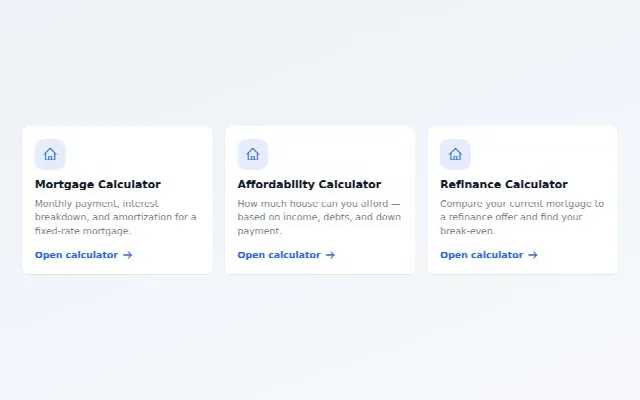
  • Cards grid widget, Bordered design: Flat cards with a crisp border.
    BorderedFlat cards with a crisp border.
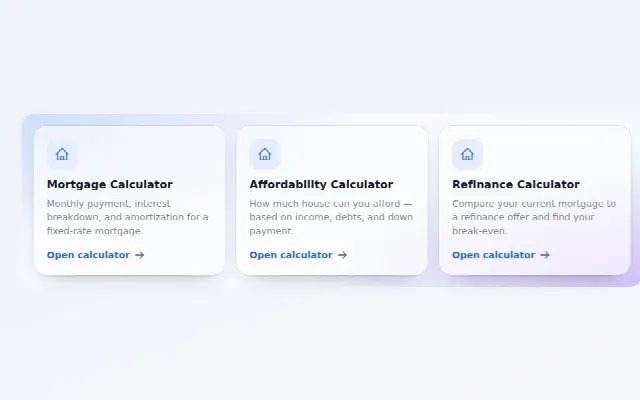
  • Cards grid widget, Glass design: Frosted cards over a gradient backdrop.
    GlassFrosted cards over a gradient backdrop.
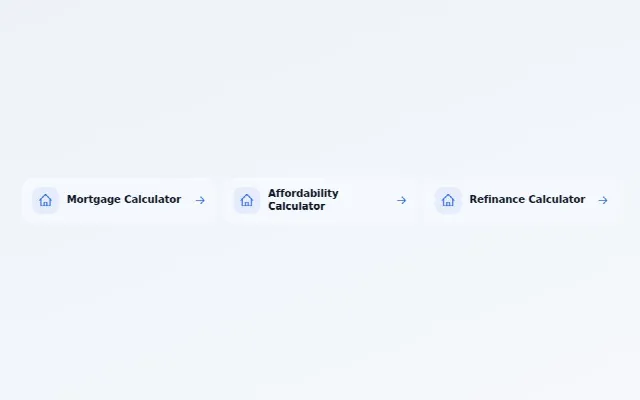
  • Cards grid widget, Minimal design: Just the icon, the name and an arrow.
    MinimalJust the icon, the name and an arrow.
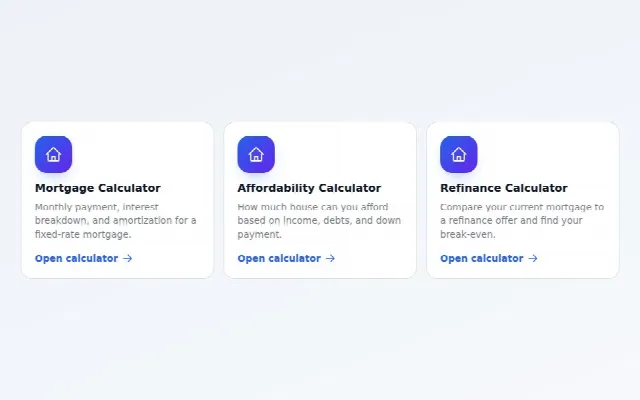
  • Cards grid widget, Gradient design: Bold gradient icon tiles.
    GradientBold gradient icon tiles.
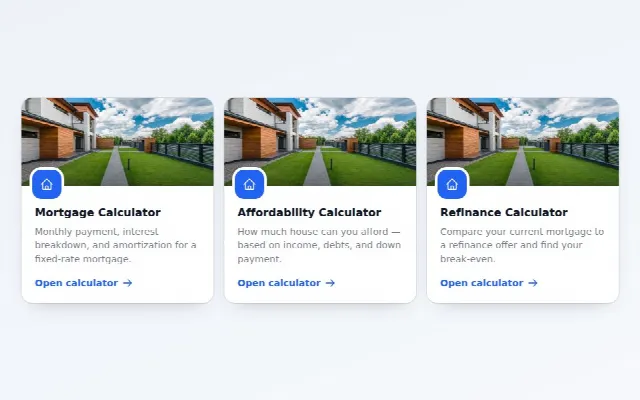
  • Cards grid widget, Photo header design: A photo on top of each card.
    Photo headerA photo on top of each card.

Which themes come with which plan

  • Free

    $0 forever

    Ledger, Minimal and Compact

  • Pro

    From $150/month · 14-day trial

    Everything in the plan before, plus: Glass, Soft UI, Aurora, Editorial, Image Hero and Spotlight

  • Business

    From $210/month · 14-day trial

    Everything in the plan before, plus: Depth 3D, Particles and Dashboard

Compare plans

FAQ

Theme questions

Still stuck? Ask the team — we reply within one business day.

Q.01How many calculator themes does CalcFunnel have?
12 themes, and every one has a light and a dark version. 3 come with every plan (Ledger, Minimal and Compact); Pro adds Glass, Soft UI, Aurora, Editorial, Image Hero and Spotlight; Business adds Depth 3D, Particles and Dashboard.
Q.02Can I use my own brand colors with a theme?
Yes. The theme sets the structure, surfaces and effects; your colors come from the palette, which is separate. Pick one of 20 ready palettes or enter your own brand colors, and the calculator keeps text and buttons readable against them.
Q.03Does the calculator follow my website’s dark mode?
Choose light, dark or auto. Auto follows the visitor’s device setting, so a visitor browsing in dark mode sees the dark version of your theme.
Q.04Which themes are included on the Free plan?
Ledger, Minimal and Compact. The Free plan is $0 forever for up to 5 calculators on one domain. Compare plans.
Q.05Do themes work with every calculator?
Yes. All 188 calculators run on the same runtime, so any theme works with any calculator, in English and Spanish.
Q.06Can I change a theme after the calculator is on my site?
Yes. The theme is a saved setting in your CalcFunnel account. Change it in the customizer and save, and calculators that use your saved settings pick up the new look.

Pick a theme. Paste one line.

Free plan, no card. 14-day trial on Pro and Business, which unlock 9 more themes.

  • Free plan, no card
  • 14-day trial on Pro & Business
  • Cancel any time